Published · Updated
ATS-Friendly Resume Format in 2026: What Parsers Read
What makes a resume ATS-friendly in 2026: the format Greenhouse and Workday parse cleanly, PDF vs DOCX, the layouts that still break, and a 5-minute test.
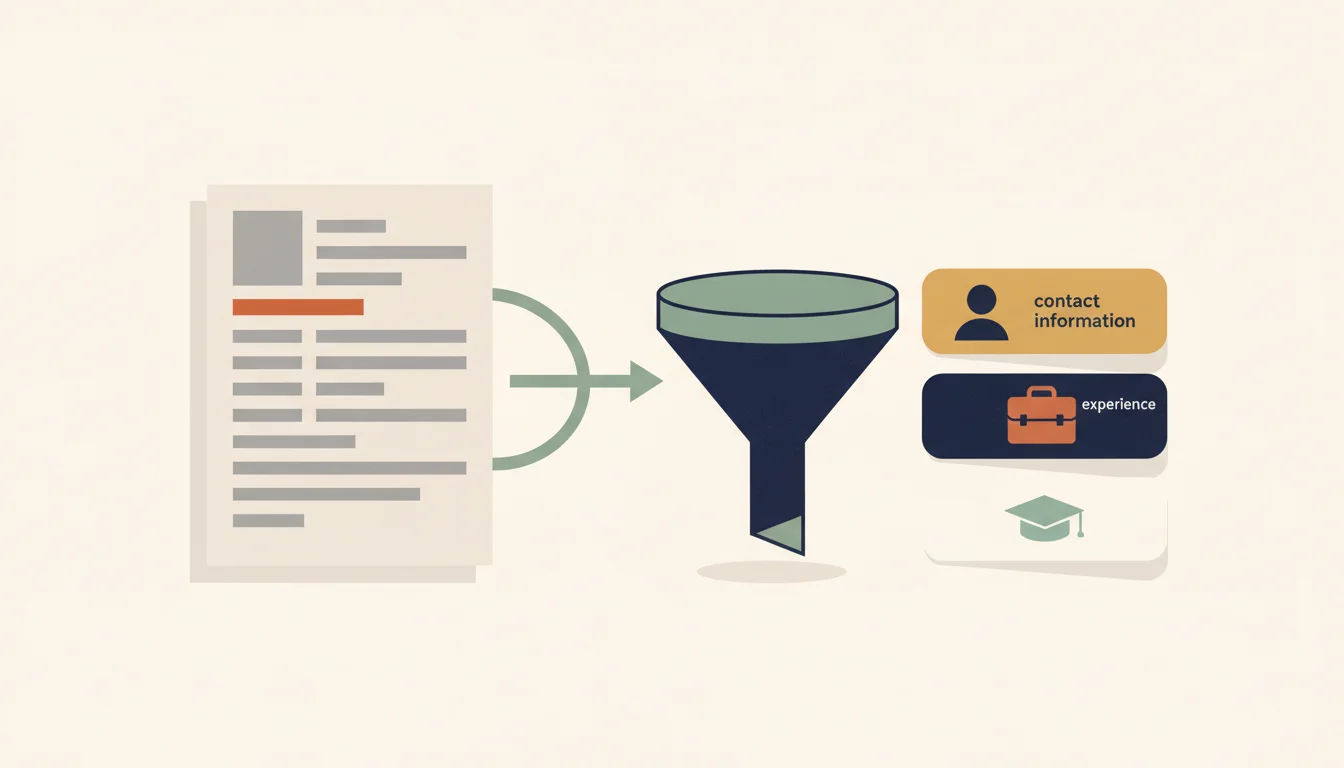
TL;DR: An ATS-friendly resume is one a parser can turn into clean fields: one column, real text (no images), your name and contact details in the body rather than the page header, plain section labels, and one consistent date format. PDF and DOCX both work if the text is selectable. Greenhouse's own support pages list columns, tables, headers and letter-spaced text as parse breakers, so export your resume to plain text and read what comes out before you apply.
What makes a resume ATS-friendly?
An applicant tracking system does three separate things with an application, and format advice tends to blur them.
- Parse. On upload, the system reads your file and fills fields: name, email, phone, each job, each degree. When this goes wrong, your record is incomplete or attached to the wrong headings.
- Search and rank. A recruiter later searches or filters those records by keyword, title or location. This step is where keyword choice matters.
- Knockout questions. Automatic rejection is mostly configured on the application form. Greenhouse, for example, documents application rules that auto-reject based on answers to job post questions, with a visa requirement as its own example. Your resume layout plays no part in that rule.
Parser: the component inside an ATS that reads your resume file and converts it into structured data (name, jobs, dates, skills). Parsing happens once, on upload, before any recruiter search.
Format is a parse-step problem. A resume is "ATS-friendly" when the parse comes out complete and in the right order, so the record a recruiter searches matches the document you wrote.
The odds that your file meets a parser are high in large companies. Jobscan's 2026 (6th) edition of its usage report detected an ATS at 97.4% of Fortune 500 companies, 487 of 500, by checking each company's careers pages by hand, and found that over 40% of the list uses Workday for talent acquisition.
Parsers have also changed. Textkernel, one of the large parsing vendors, describes its parser as using "AI and machine learning technology to understand the document" and sells an LLM Parser "powered by GPT-3.5". Better models still depend on the text the file gives them. If your phone number sits in an image or the columns come out interleaved, the model works from the same broken text.
Which resume format and section order do parsers expect?
The reverse-chronological resume is the safest format: newest job first, each job with its title, employer and dates together. Greenhouse lists "Resumes without clear sections and differing formats throughout each section" and "Resumes with incomplete job titles" among the causes of a failed parse. A functional resume, which groups achievements under skill headings and pushes dates to a short list at the bottom, makes both problems likely: the parser finds bullet points with no job to attach them to.
| Format | How a parser handles it | When to use |
|---|---|---|
| Reverse-chronological | Each job is a title, employer and date block the parser can anchor on | Default for most applicants |
| Hybrid (short skills summary, then dated history) | Parses well while the dated history carries most of the page | Career changers with a clear transferable story |
| Functional / skills-based | Bullets sit under skill headings with no job or date block to attach to | Rarely, and only with a dated job list kept on the page |
A hybrid works only while dated experience fills most of the page. A skills summary of four or five lines at the top is fine. A page that is 80% skill groups and 20% dates is a functional resume under another name.
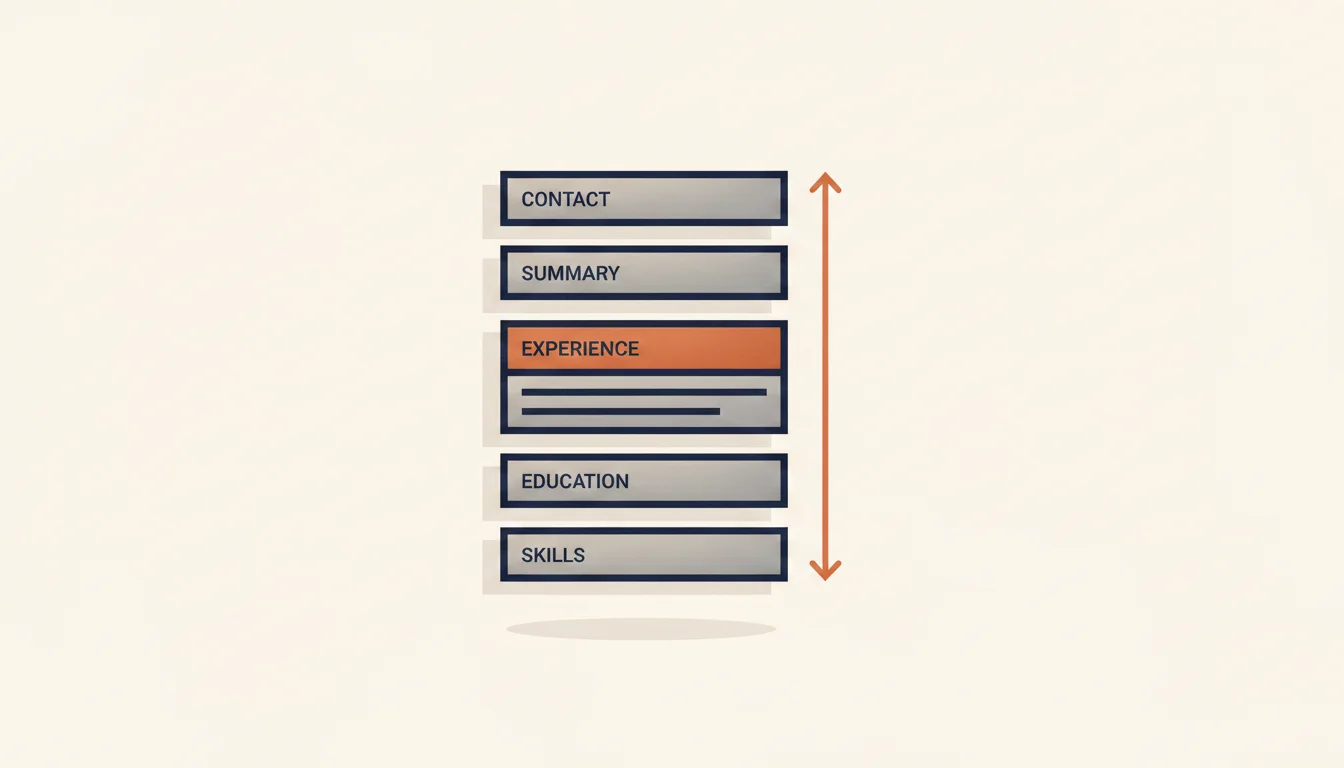
The section order parsers handle best is the common one: name and contact → summary (optional) → experience → education → skills → certifications. Use the plain labels too. "Experience" or "Work Experience", not "Professional Journey". "Education", not "Academic Background". "Skills", not "Toolbox". A creative label tells a human something about you and tells a parser nothing, and the entries under an unrecognised heading can end up unclassified.
Inside each job, put the job title, employer and dates within the first two lines. That trio is what the parser uses to start a new job record; everything after it, the bullets included, gets attached to that record.
What still breaks ATS parsing in 2026
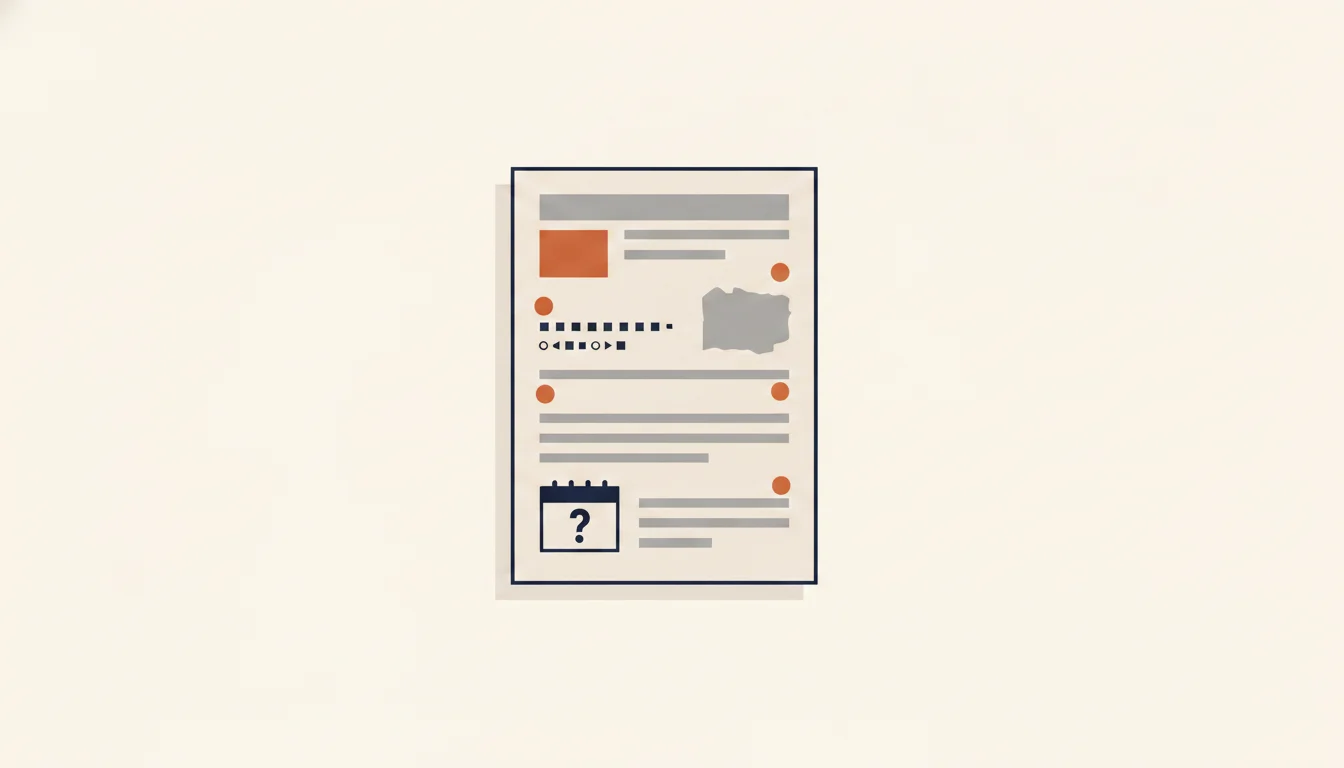
Greenhouse publishes the clearest vendor list. Its support article on unsuccessful resume parses names, among other causes: "A resume with spaces between the letters", "Resumes that include graphics, photos, or word art", "Complex resumes with tables, headers, and footers", "Resumes with the name and contact information in the header, footer, or text box" and "Resumes that have a columned layout". When a parse fails there, the file is attached to your profile and someone has to type your details in by hand. Workday's administrator guide says parsing results "can vary based on resume format and order of words" and recommends resumes without images or image-based styles.
On 13 October 2026 we checked the same failure points ourselves. We rendered one fictional resume in 11 PDF and 4 Word layouts with identical words, then extracted the text with pdf.js, Poppler's pdftotext (default and -layout modes) and the mammoth .docx converter. These are open-source extractors, not the code inside any commercial ATS, so read the results as samples of how extraction behaves. Five problems stood out.
1. Text inside images. A logo, a skill bar or a heading saved as a picture contains no text to extract. Test: try to select the words with your cursor. If you can't, a parser can't read them either.
2. Contact details in the page header. In our Word test, a name, email and phone placed in the document header were missing entirely from the mammoth output. Greenhouse names the same placement as a parse failure cause. Put your name and contact line in the body of the page.
3. Columns. The single-column version came out identical in all four extraction modes. Each two-column version was reordered or had sentences cut by sidebar text in at least one mode, and the same file failed differently from one tool to the next.
4. Letter-spaced headings. Headings with 1.5 pt or more of extra letter spacing came out as "E X P E R I E N C E" in pdf.js. A parser looking for the word "Experience" doesn't find it.
5. Icon fonts beside contact details. The phone and envelope icons came out as unreadable private-use characters glued to the email address and phone number.
Dates are the sixth risk. "Summer 2023", "Ongoing" and a mix of "03/2021" in one job with "March 2019" in the next all force the parser to guess, and Greenhouse lists differing formats within a section as a failure cause. Pick one pattern, such as Jan 2020 – Mar 2023, and use it for every entry.
Is PDF or DOCX better for an ATS?
Both work, provided the file contains real text. Greenhouse's parse article treats .docx and .pdf as the document formats it parses and lists "Resumes that are uploaded as an image" as a failure cause. The same article says Greenhouse Recruiting "can't parse resumes larger than 2.5MB", so a PDF bloated by embedded photos or high-resolution graphics can fail on size alone. Textkernel's parser page lists formats "such as pdf, docx, doc, html, odt, and txt" and adds OCR for scanned documents, but OCR is a recovery step, so a scan remains the riskiest file you can send.
| Situation | Send |
|---|---|
| The posting or form names a format | That format |
| No format named, single-column resume | PDF (keeps your layout for the recruiter who opens it) |
| You only have a scan or a photo of your resume | Rebuild it as a text document first |
| Old .doc file from an earlier Word version | Re-save as .docx or export to PDF |
| File over about 2 MB | Compress images or remove the photo |
The difference between the two formats matters less than how the file was made. A PDF exported from Word or Google Docs with a single column carries a clean text layer. A PDF exported from a design tool can carry text in a reading order that doesn't match what you see, which is the column problem again. If a posting's autofill gets your details wrong from the PDF, try the DOCX of the same resume; the parser behind that form may handle it differently.
ATS format myths you can drop
Some of this advice had no evidence behind it from the start, and some overcorrected.
"75% of resumes are rejected by ATS." This figure circulates without a published study or method behind it. Automatic rejection that does exist is mostly configured through knockout questions on the form, as in the Greenhouse application rules described above. A parse failure leaves a messy record for a recruiter to read or retype, which hurts, but it isn't an automatic rejection.
"Use only Arial or Times New Roman." In our test, 14 standard text fonts came back character for character through both PDF extractors. What failed was typography around the font: wide letter spacing, icon fonts, characters missing from the font, and text exported as outlines. Pick a font that is easy to read at 10–12 pt.
"Modern AI parsers read anything, so layout no longer matters." Textkernel advertises "Column layout auto-detection", and some systems will handle a two-column file well. Greenhouse still lists columned layouts as a failure cause, and you rarely know which system sits behind a careers page. A single column is the only layout that came out correct in every tool we tried.
"You need a separate ATS version of your resume." A single-column resume with real text, body contact details and plain labels reads well to people too. Keeping two versions mostly creates the risk of attaching the wrong one.
"Your resume must fit on one page for the ATS." Parsers read every page you send; length is a question for the human reader. The resume length guide covers when a second page earns its place.
How to test your resume in five minutes
You don't need a subscription to see what a parser sees. Three of these four checks are free and take a few minutes.
- 1
Export your PDF to plain text
Run pdftotext from the free Poppler tools (pdftotext resume.pdf resume.txt), available for Windows, macOS and Linux. Open the resulting .txt file in any text editor. If you can't install it, use the copy-paste test below instead.
- 2
Read it top to bottom
The order you see approximates what a parser receives. Your name and contact line should come first, each job's title, employer and dates should sit together, and no sentence should be cut by text from another column.
- 3
Run the copy-paste test
Open the PDF, select all, and paste into a plain-text editor (Notepad or TextEdit in plain-text mode, not Word). Scrambled order, split letters or stray symbols here will reach the parser too.
- 4
Check the parsed fields
Upload the same file to a parser that shows its output, such as Affinda's free resume parser or an ATS checker, and look for empty or misfiled fields: a missing phone number, a job with no dates, skills filed as experience.
Affinda's free resume parser turns resumes into a spreadsheet of fields without a signup. The cvmakeover.ai ATS checker runs the checks from this article on the text it extracts from your file: selectable text, file type, broken characters, letter-spaced headings, reading order, contact details, standard headings and consistent dates. If you paste a job ad, it also lists which of its keywords your resume contains. Its score summarises those checks; no employer ranks you by it.
Once the parse is clean, the remaining work is content. The guide to the resume skills section covers how to word the skills a recruiter will search for, and the overview of AI resume screening covers what happens after parsing.
FAQ: ATS-friendly resume format questions
What type of resume is ATS-friendly?+
A reverse-chronological resume in a single column, built in Word or Google Docs, with real selectable text, your name and contact details in the body, plain section labels (Experience, Education, Skills) and one date format throughout. Save it as PDF or DOCX.
What should I name my resume file?+
Use your name and the document type, for example Firstname-Lastname-Resume.pdf. The file name travels with the attachment, so it is what a recruiter sees when downloading it. Avoid names like resume_final_v7.pdf.
What date format should I use on a resume?+
Month and year for both ends of every job, in one format, such as Jan 2020 – Mar 2023 or 01/2020 – 03/2023. Write Present for a current job. Avoid seasons and year-only dates where you can, and don't mix formats between jobs.
Can I use a Canva template?+
Only after you check the export. Many design templates use icons, columns and decorative header bands. Export the PDF, run the copy-paste test, and fix anything that comes out scrambled or missing.
Are tables ATS-friendly?+
Avoid them for layout. Greenhouse lists complex resumes with tables among parse failure causes, and in our Word test a two-column table was read cell by cell, putting the sidebar before the experience.
What is the 7-second rule for resumes?+
It comes from Ladders' 2018 update of its eye-tracking study, which reported an average initial screening time of 7.4 seconds per resume. It is a recruiter-reading finding, not an ATS rule, but it is one more reason to keep the top third of the page clear and specific.
The 7.4-second figure is from the Ladders announcement of the 2018 study.
Key takeaways
- Format affects the parse step, the moment the ATS turns your file into fields. Automatic rejection is mostly set up through knockout questions on the application form, which layout can't change.
- Greenhouse documents columns, tables, page headers and footers, text boxes for contact details, images and letter-spaced text as parse failure causes, and our own extraction test reproduced most of them.
- A single-column, reverse-chronological resume with plain section labels and one date format is the version that parses the same way across systems.
- PDF and DOCX both parse when the text is selectable; scans, image uploads and oversized files are the formats that fail.
- Before applying, export your resume to plain text or run it through a parser and read the output; whatever is missing there is missing from your ATS record.