Published
ATS CV Template Test: 15 Free Word Resume Templates Parsed
We parsed the 7 resume templates Microsoft labels ATS plus 8 of its regular ones. What survived, what got merged or reordered, and how to fix a template.
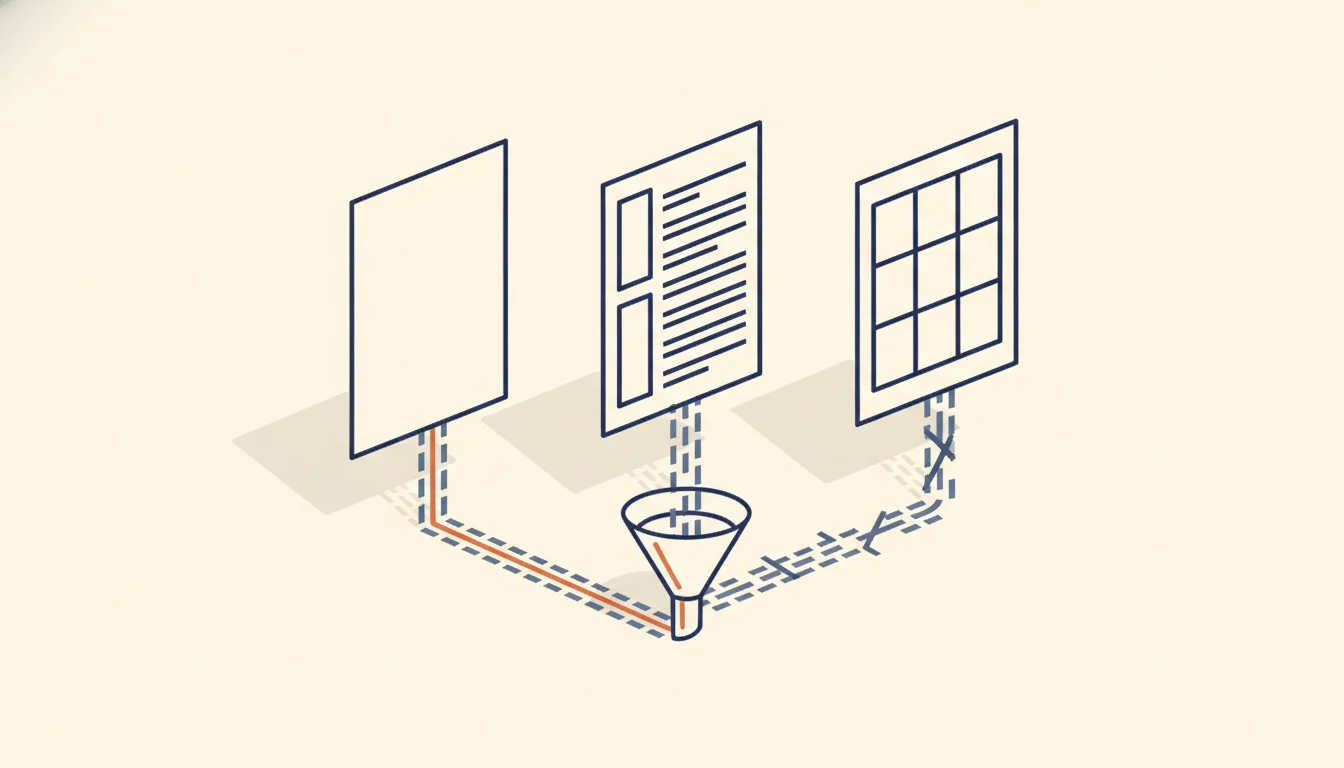
TL;DR: Is a free "ATS" CV template safe to use? Mostly, but the label doesn't settle it. We extracted the 7 resume templates Microsoft labels ATS, plus 8 of its regular ones, unchanged. All 15 gave up their text. Four of the seven ATS templates still use layout tables, two read the contact details after the work history, and two glued the first and last name into one word. Check your filled-in file before you apply.
Are Microsoft's ATS resume templates ATS-friendly?
On 13 October 2026 the top US Google result for both "ats cv template" and "ats resume template" was Microsoft's own ATS-friendly templates page. The page promises "well-formatted ATS-friendly resume and cover letter templates" and "simple, ATS-friendly layouts", and tells you to choose a layout "with clear sections for contact details, work history, skills, and education". It does not say what makes a template ATS-friendly, which applicant tracking system the templates were tested with, or whether they use tables or columns.
ATS vendors are more specific about what breaks. Greenhouse's support article on unsuccessful resume parses lists, among other causes, "Complex resumes with tables, headers, and footers", "Resumes that have a columned layout" and "Resumes with the name and contact information in the header, footer, or text box". When a parse fails, a recruiter has to enter your details by hand. Workday's administrator guide says parsing results "can vary based on resume format and order of words" and recommends resumes without images or image-based styles.
So the useful question is narrower: what is inside the file Microsoft labels ATS, and what comes out when software reads it as text? That is what we measured.
Layout table: a Word table with invisible borders used to place blocks side by side on the page, such as a contact sidebar next to the work history. It looks like columns to you, but extraction software reads it cell by cell, in the order the cells were written.
Parsing is only the first step. Our ATS-friendly resume format guide covers how parsing differs from the keyword search a recruiter runs afterwards; this post stays on the template file itself.
How we tested 15 Word resume templates
On 13 October 2026 we took every resume template in Microsoft's Word resume gallery with "ATS" in its name. There were seven: ATS healthcare, Extended ATS healthcare, Simple ATS healthcare, ATS office manager, ATS bold accounting, ATS stylish accounting and ATS simple classic. For comparison we took the first eight regular resume templates in the gallery's own order on that day. We also built a control: a plain Word file with the same kind of content, Word's built-in heading styles, and no tables, text boxes or images.
Each template was downloaded as a .docx and left unchanged, with Microsoft's sample name, contact details and placeholder text. Two things were recorded for each file:
- The extracted text. We ran each file through mammoth 1.12.0, an open-source .docx converter whose plain-text mode "will ignore all formatting in the document". It is the same DOCX path the cvmakeover.ai checker uses. For each output we noted whether the name, email and phone came out intact and in which order the sections appeared.
- The file structure. We read the document XML inside each .docx and counted layout tables (and the share of the text inside them), text boxes, images, and any text in the page header or footer.
To judge reading order we compared each extraction with Microsoft's own preview image of the template, read top to bottom and main column first.
mammoth is not Workday's or Greenhouse's parser, and we did not have access to theirs. What it gives is one open-source reading of the raw text that parsing starts from, and it shows where that text differs from what you see on screen.
Results: what came out of each template
| Template | Labelled ATS | Layout table | Name as extracted | Contact details in extracted text | Other |
|---|---|---|---|---|---|
| ATS healthcare | Yes | Yes, sidebar (95% of text) | Intact | After work history and education | – |
| Extended ATS healthcare | Yes | Yes, sidebar (96%) | Intact | After work history | – |
| Simple ATS healthcare | Yes | Decorative only, no text | Intact | Under the name | – |
| ATS office manager | Yes | No | "ChanchalSharma" | Under the name | Skills as tab-separated rows |
| ATS simple classic | Yes | No | "ChanchalSharma" | Under the name | Skills as tab-separated rows |
| ATS bold accounting | Yes | Yes, colour stripe (98%) | Intact | Under the name | – |
| ATS stylish accounting | Yes | Yes (77%) | Intact | Under the name | – |
| Modern nursing | No | Yes, sidebar (98%) | "kristi" and "laar" on two lines | Sidebar read before the work history | Photo |
| Bold nursing | No | Yes, grid (99%) | "kristiLARR" | Under the title | Photo |
| Classic office manager | No | Yes, grid (99%) | "ChanchalSharma" | After the summary | Image |
| Industry manager | No | Mostly no (9%) | Intact | Under the name | – |
| Project management | No | Yes (99%) | Intact | Under the name | Whole resume three times |
| Classic management | No | Yes, timeline grid (100%) | Intact | Under the name | Job description split from the jobs |
| Healthcare | No | Yes (68%) | Intact | At the end (bottom of the page) | – |
| Graphic header professional | No | Yes (99%) | Intact | Before the profile | Image |
| Control (plain Word) | – | No | Intact | Under the name | – |
The good news first. All 15 templates gave up their text: the extracted output contained the email and phone number in every file, no template kept contact details in the page header or footer, and none used a text box. Two of the causes on Greenhouse's list, contact details in a header or footer and contact details in a text box, did not appear in any of the 15.
The section labels were conventional across the set: Experience, Work experience or Professional experience; Education; Skills or Skills & Abilities. None used a creative label such as "My journey".
Three problems the ATS label didn't prevent
1. Layout tables in four of the seven ATS templates. ATS healthcare and Extended ATS healthcare put contact details, skills and awards in a right-hand sidebar built from a table. Extraction reads the left column to the end before it reaches the sidebar, so in ATS healthcare the phone and email come out after both jobs and both degrees. The bold and stylish accounting templates also sit inside tables, but they read in the right order. The regular templates rely on tables even more (seven of eight). Greenhouse names tables and columned layouts as parse failure causes, which puts the two sidebar templates on the wrong side of a vendor's published guidance despite their label.
2. A name with no space in it. ATS office manager and ATS simple classic stack "Chanchal" above "Sharma" in large type. In the file, the two words are separated by a line break and no space character. mammoth dropped the break and returned "ChanchalSharma", a single word where a parser expects a first and last name. Two regular templates, Classic office manager and Bold nursing, do the same. Modern nursing puts the first and last name in two separate paragraphs, so the name arrives as two lines.
3. Content that is not where it looks. The Project management file contains the whole resume three times, one copy per colour variant, so the extracted text ran to 606 words for a page that shows about 200. If you fill in the first copy and forget the other two, the system receives your resume followed by two copies of Jacob Hancock's. Classic management places its experience description above a three-job timeline, so the description comes out attached to none of the jobs.
Photos and images appeared only in the regular set: four of the eight carry a photo or decorative image, against none of the seven ATS templates. Workday's guide recommends resumes without images, and Greenhouse lists photos and graphics among parse failure causes, so this is the clearest place where the ATS label lines up with vendor guidance.
How to fix a downloaded template before you apply
A template becomes your resume when you replace the sample text, and most of the problems above survive that step. Five checks, in this order:
- Type your name on one line with a space. If the template stacks first and last name, replace the line break with a space. Shrink the font if the name no longer fits.
- Delete what you don't use. Scroll to the end of the document. Remove extra colour variants, leftover placeholder sections ("Interests", "References") and empty pages.
- Move sidebar content into the main column. If contact details sit in a side column, cut them into a line under your name. Move skills into a normal section after experience. With a two-column table, the simplest fix is to select the table and use Word's Convert to Text on the Layout tab, then rebuild the sections as plain paragraphs.
- Keep every job's details under its job title. Timeline layouts and date columns separate the dates and descriptions from the role. One line per role, with title, company and dates, followed by its bullets, keeps them together.
- Read the plain text. Word's Save As dialog has a Plain Text (.txt) format that "saves text without formatting". Open the .txt file and read it top to bottom. If your name, email and phone aren't near the top, or a job's bullets sit under the wrong employer, a parser will see the same thing.
Step 5 reads Word's export, which is close to what an extractor sees but not identical. To see the text the way our DOCX extractor read these 15 templates, upload your filled-in file to the free ATS checker: it shows the raw extracted text in reading order next to the issues it found, including contact details it can't find and headings it doesn't recognise. If the skills section still reads as a wall of tab-separated words, our guide to the resume skills section covers how to group skills into named subcategories a recruiter can scan.
What this test does not show
Four limits, so the results are read for what they are.
One extractor, one format. We ran mammoth on .docx files. Commercial ATS parsers such as Textkernel's, or the ones built into Workday and Greenhouse, may handle tables and line breaks differently, and some will recover a name that mammoth merged. The vendor guidance quoted above suggests tables and columns remain a risk, but we can't say how any specific ATS reads these files. We did not export the templates to PDF, where columns cause different failures.
Sample content, not real resumes. We tested the templates as Microsoft ships them. Your version will have different lengths and may have different structure once you edit it, which is why the plain-text check matters more than the template you started with.
One gallery, one day. Microsoft's gallery order and its ATS collection change. On 13 October 2026, the ATS templates page featured five of the seven ATS resumes we tested; the other two appeared in the main resume gallery.
Google Docs and Canva are not covered. Google Docs templates are copied into your own Drive, and Canva designs are exported from your account, so neither offers a public file we could download unchanged. The same five checks apply to whatever they export.
Can I find a free ATS template for my resume?+
Yes. Microsoft's Word gallery has seven free resume templates with ATS in the name. In our test, ATS simple classic and ATS office manager had no tables and read in the right order, but both stack the name with a line break, so retype your name on one line before you use them.
Which resume template is best for ATS?+
A single-column template with your name and contact details in the body, plain section headings and no tables, text boxes or images. Among the templates we tested, the ones without layout tables kept the clearest reading order once the name was fixed.
Are Canva resumes ATS-friendly?+
We did not test Canva in this round, because its templates are only downloadable through an account. Export your Canva resume, read the text it gives up, and fix anything missing or out of order before you apply.
Is a template labelled ATS guaranteed to pass?+
No. The label is the template maker's description, not a certification from an ATS vendor. Four of the seven Microsoft ATS resume templates we tested are built on layout tables, which Greenhouse lists among parse failure causes.
Should I upload a template as DOCX or PDF?+
Either works when the text is selectable. This test only covered DOCX. If you export to PDF, check the PDF's text the same way, because columns and tables can come out in a different order than in the Word file.
Key takeaways
- Microsoft's ATS label describes the look of a template, not a test against a named applicant tracking system; four of its seven ATS resume templates still use layout tables.
- In our extraction all 15 templates gave up their text, so the risks were reading order and merged words rather than missing content.
- Stacked names joined by a line break came out as one word in four templates; typing the name on one line with a space removes the problem.
- Sidebar templates moved contact details below the work history, and one regular template carried three copies of the whole resume.
- The template you start from matters less than the file you send: export it to plain text or run it through a checker and read the result before applying.