Published
LinkedIn Easy Apply: Where Your Resume Goes After You Click
What LinkedIn Easy Apply sends, who receives it (the job poster or the employer ATS via Apply Connect), and how must-have screening questions reject applicants.
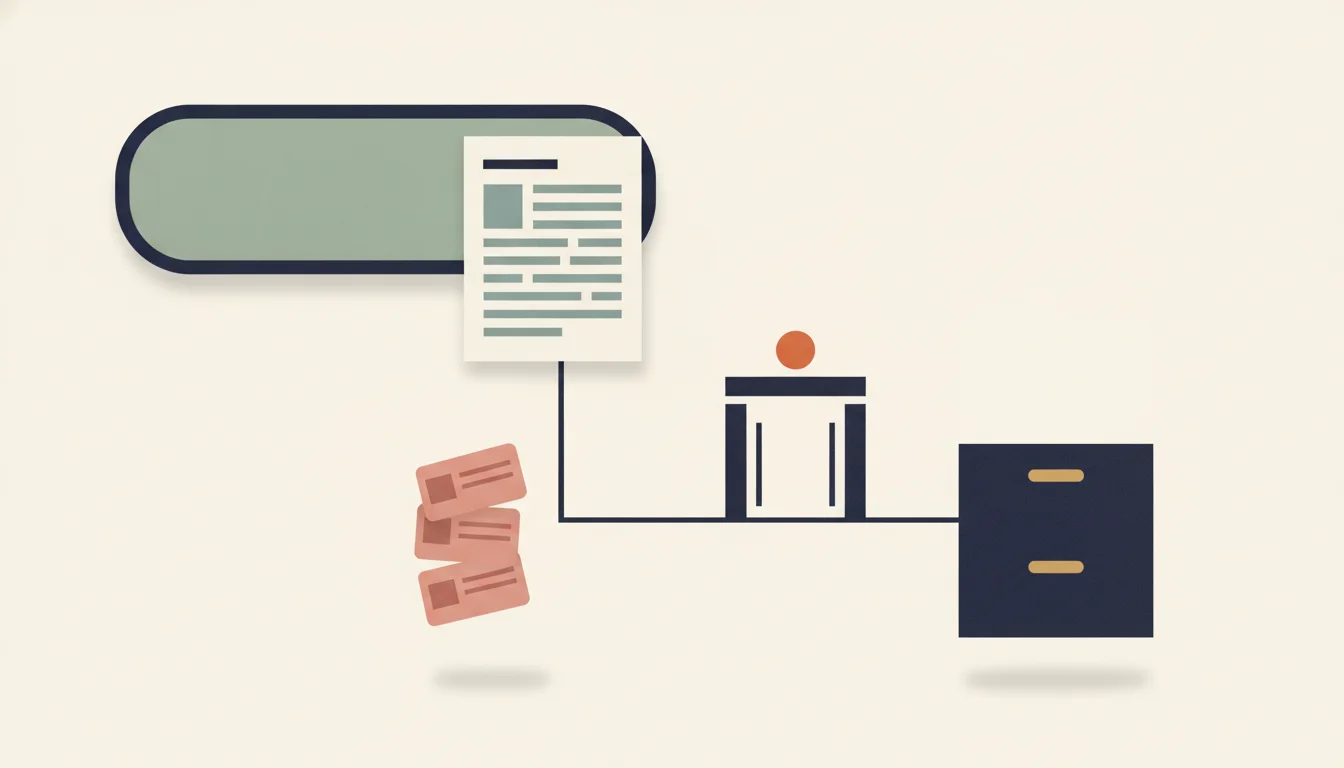
TL;DR: LinkedIn Easy Apply sends your contact details, the resume you attach and your answers to the employer's questions, without sending you to a careers site. Where it lands depends on the job: in LinkedIn's own applicant list for the job poster, or, through LinkedIn's Apply Connect integration, straight into the employer's applicant tracking system. On LinkedIn's own job posts, automatic rejections come from must-have screening questions. Answer them accurately and attach a resume that parses cleanly.
What happens when you click Easy Apply?
LinkedIn Easy Apply: an application form that runs inside LinkedIn. You submit contact details, a resume and the employer's questions in a pop-up, and LinkedIn delivers them to the employer.
LinkedIn's help article on applying for jobs says that, depending on the employer's settings, a posting shows either an Easy Apply button or an Apply button. Apply sends you to the company's website or job board. Easy Apply keeps you on LinkedIn, works from a desktop browser or the mobile app, and has one rule worth knowing before you start: you cannot edit or withdraw an application once it is submitted. The only fix LinkedIn offers is an InMail to the job poster.
After you submit, LinkedIn's page on applying directly on LinkedIn says the application "is securely sent to the job poster," and that "relevant skills from your profile may be included." If a recruiting agency posted the job, the agency may also share your application with its other clients whose roles match your profile.
"Sent to the job poster" covers two different destinations:
| Route 1: LinkedIn job post | Route 2: Apply Connect | |
|---|---|---|
| Who posted the job | A hirer, directly on LinkedIn | The employer's ATS, through LinkedIn's API |
| Where your application lands | The job poster's applicant list on LinkedIn | The employer's ATS (Greenhouse is one documented partner) |
| What the employer sees first | Ratings, screening answers, your resume to view or download | A candidate record with structured fields, the resume file and matching skills |
| Who sends the rejection | LinkedIn, three calendar days after you apply, if auto-rejection is on | The employer, from its ATS; Apply Connect can pass status updates back to LinkedIn |
The button looks the same on both routes, and LinkedIn's help pages describe no way to tell which one a job uses.
Route 1: the job poster's applicant list on LinkedIn
When a hiring manager posts a job on LinkedIn without an ATS behind it, your application stays on LinkedIn. LinkedIn's manage applicants page for employers lists what the poster can do with it: view or download your resume from the applicant list, rate applicants (for example "Good fit" or "Not a fit"), and filter by rating. Ratings also feed LinkedIn's job targeting: the page says "the more applicants you rate, the more your applicant matches will improve."
Promoted (paid) job posts add LinkedIn's AI-assistant, which "presorts top applicants" into three groups:
- Top fit: meets all must-have qualifications and a share of the preferred ones.
- Maybe: meets all must-haves but falls below the poster's threshold for preferred qualifications.
- Not a fit: misses at least one must-have qualification.
A grey question mark marks a qualification the assistant could not decide. LinkedIn says the qualifications themselves "are generated from the job description, screening questions, and skills listed in your job post." The page does not say whether the assistant reads your profile, your resume or both, so treat both as evidence and keep them consistent.
LinkedIn also shows candidates a match view of their own. Its job match help page says the match compares your profile and resume with the job's required and preferred qualifications and the poster's screening questions, and that "hirers will not see your job match level or summary." A "Top Applicant" badge on your side of the screen is therefore not the label the poster sees.
On this route, the automatic steps run on your screening answers and the qualifications written into the job post. Your resume is the document the poster opens to decide whether the sort got you right.
Route 2: Apply Connect sends your application into the employer's ATS
Employers that run an applicant tracking system can post jobs from it. LinkedIn's developer documentation describes Apply Connect as an integration that lets members "apply to jobs on LinkedIn without being redirected to external websites," while the ATS partner can "receive all job applications directly into your ATS system."
Greenhouse documents the employer side. Its Apply Connect article, updated 21 September 2026, says that when a candidate applies through a LinkedIn job post, "their profile will be created in Greenhouse Recruiting" with the source "LinkedIn." To a recruiter working in Greenhouse, your Easy Apply application is one more candidate record next to the ones that came through the careers site.
LinkedIn's receive applications reference shows exactly what the ATS receives:
- Contact information. First name, last name and email are present in every payload; phone and location are included if you gave them.
- Your resume as a file. The ATS gets a link to the document you attached, available for 30 days, and can download and store it. LinkedIn sends the file, not parsed resume data, so any parsing of it happens inside the ATS.
- Work and education answers as structured fields (company, title, dates, school, degree), if the employer asked for them.
- Skills. The skills on your LinkedIn profile that match the job's standardized skills, plus any skill for which you passed a LinkedIn assessment, where the partner's contract allows it.
- Your answers to the employer's custom questions and the voluntary self-identification questions, if asked.
Two documented behaviours explain odd candidate experiences. First, if the ATS rejects the delivery, for example because "a phone number is entered in a format that the ATS doesn't accept," the attachment has the wrong file type, or it exceeds the size limit, LinkedIn sends you an application delivery failure email with a button to apply on the company website. That email is a technical failure, not a hiring decision. Second, Greenhouse states that since July 2025, free job posts through Apply Connect have a cap on Easy Apply applications; once it is reached, applicants are redirected to the careers site while the job stays listed. That is one reason a posting can switch from Easy Apply to Apply between two visits.
Because your resume becomes a file in an ATS here, the usual parsing rules apply. The ATS-friendly resume format guide covers the layouts that extract cleanly.
Screening questions are the knockout filter
On a LinkedIn job post, the automatic rejection does not come from your resume layout. It comes from screening questions. LinkedIn's help page on adding screening questions lists the topics a poster can ask about: background check, education, location, language, certifications, work experience, work authorization and visa status, expertise with a skill, hybrid work, industry experience, urgent hiring need, and custom questions. A personal account posting a free job gets one screening question per job; adding more requires promoting it. LinkedIn's employer guidance recommends at least four.
Each question can be marked with a Must-have qualification checkbox. The poster can then choose to automatically archive applicants who do not pass and send them an automatic rejection email.
LinkedIn's article on automated rejection messages adds the details that matter to you:
- Auto-rejection only works if the job post includes at least one must-have screening question.
- Applicants outside the poster's selected country are tagged "Not a fit" by default, and for non-promoted jobs they are notified automatically unless the poster turns this off.
- The rejection message arrives "three calendar days after they apply for the job." The poster can change your rating before it is sent.
That timing is a useful diagnostic. A LinkedIn rejection three days after you applied, with no recruiter contact, points to a must-have answer or a location mismatch, not to the wording of your resume.
So treat each question as the filter it is. If a posting asks for five years of a skill and you have four, answering "5" is a false statement that the employer can check against your resume and your profile. Answering "4" may archive you, and that outcome usually means the role's hard requirement did not fit. Location and work-authorization questions deserve the most care, because a wrong click on a yes/no question costs you the job with no human review.
Which resume does LinkedIn send?
LinkedIn's help page on uploading your resume answers the practical questions:
- Format and size. The file "must be either Microsoft Word or PDF," and LinkedIn recommends keeping it under 2 MB.
- Saved resumes. LinkedIn stores your four most recently uploaded resumes for job applications. You manage them under Jobs, then Preferences, then Resumes and application data.
- Optional or required. LinkedIn's help page calls the Resume section in Easy Apply optional for signed-in members. If the employer's form includes it, attach one: on the Apply Connect route, the resume is the only document the ATS can parse.
- Profile resume. A resume you add to your profile for your network cannot be used for job applications.
- Deleting. Removing a saved resume does not change applications you already sent. The employer keeps the version you attached.
Two habits follow from those rules. Check which saved file is selected before you submit, because LinkedIn keeps up to four and you cannot swap the file afterwards. And keep your profile skills in step with the resume, since LinkedIn may attach matching profile skills to the application. The resume skills section guide shows how to phrase them so the two lists agree.
Before you click submit on a role you care about, check how your file reads as plain text. The free cvmakeover.ai ATS checker shows the text and sections a parser pulls from your PDF or Word file, so you can catch a garbled heading or a missing contact line before the file reaches an ATS.
LinkedIn has also introduced daily and speed limits on Easy Apply submissions to curb automation and bots. The help page does not publish the numbers, so figures quoted on third-party sites are guesses.
Is LinkedIn Easy Apply worth using?
Yes, for jobs where you meet the must-have qualifications and have a resume tailored to the role. The process is the same application the employer would get elsewhere: on Route 2 it lands in the same ATS as a careers-site application, and on Route 1 it lands with the person who posted the job. Easy Apply does not bypass screening, and it does not add a penalty that LinkedIn or Greenhouse document.
Easy Apply works against you only through the habits it makes easy. One click per job invites sending the same resume to many roles, and LinkedIn's speed limits exist because of that pattern. A generic resume competes poorly where a recruiter searches by keyword or where an AI-assistant sorts by qualifications; the AI resume screening guide explains what AI rankers score.
Two cases favour the careers site over Easy Apply. First, when the Easy Apply form has no resume section and the role calls for detail you can only show in a resume. Second, after an application delivery failure email, which tells you the ATS refused the submission.
Does LinkedIn Easy Apply send my resume to the employer's ATS?+
On jobs posted through LinkedIn's Apply Connect integration, yes: LinkedIn's developer documentation says the ATS receives your contact details, answers, matching profile skills and a link to the resume file, which it downloads. On jobs posted directly on LinkedIn, the application stays in the poster's applicant list on LinkedIn.
Can recruiters see my LinkedIn job match or Top Applicant badge?+
No. LinkedIn's help page on job match says hirers will not see your job match level or summary. Posters who promote a job see their own sorting (Top fit, Maybe, Not a fit) based on the qualifications in their job post.
Why was I rejected three days after an Easy Apply application?+
LinkedIn sends automated rejection messages three calendar days after you apply when the poster has turned on auto-rejection. That requires at least one must-have screening question, so a missed must-have answer or a location outside the poster's selected country is the likely cause.
Can I edit or withdraw a LinkedIn Easy Apply application?+
No. LinkedIn's help center says you cannot edit or withdraw an application once submitted. To make changes, contact the job poster via InMail.
What file format should I use for LinkedIn Easy Apply?+
Microsoft Word or PDF, ideally under 2 MB, per LinkedIn's help page. LinkedIn keeps your four most recently uploaded resumes for reuse.
Key takeaways
- Easy Apply has two destinations: the poster's applicant list on LinkedIn, or the employer's ATS through Apply Connect. The button does not tell you which.
- On the Apply Connect route, your resume becomes a file in an ATS that parses it like a careers-site upload, so parse-safe formatting matters as much as anywhere.
- LinkedIn's automatic rejections come from must-have screening questions and location defaults, and arrive three calendar days after you apply.
- Your job match level and Top Applicant badge are visible to you only; the poster sees their own sort against their own qualifications.
- Choose the attached resume on the review screen, keep profile skills consistent with it, and remember that a submitted Easy Apply application cannot be edited.